
Chrome Extension
Site Visual Diff Tool
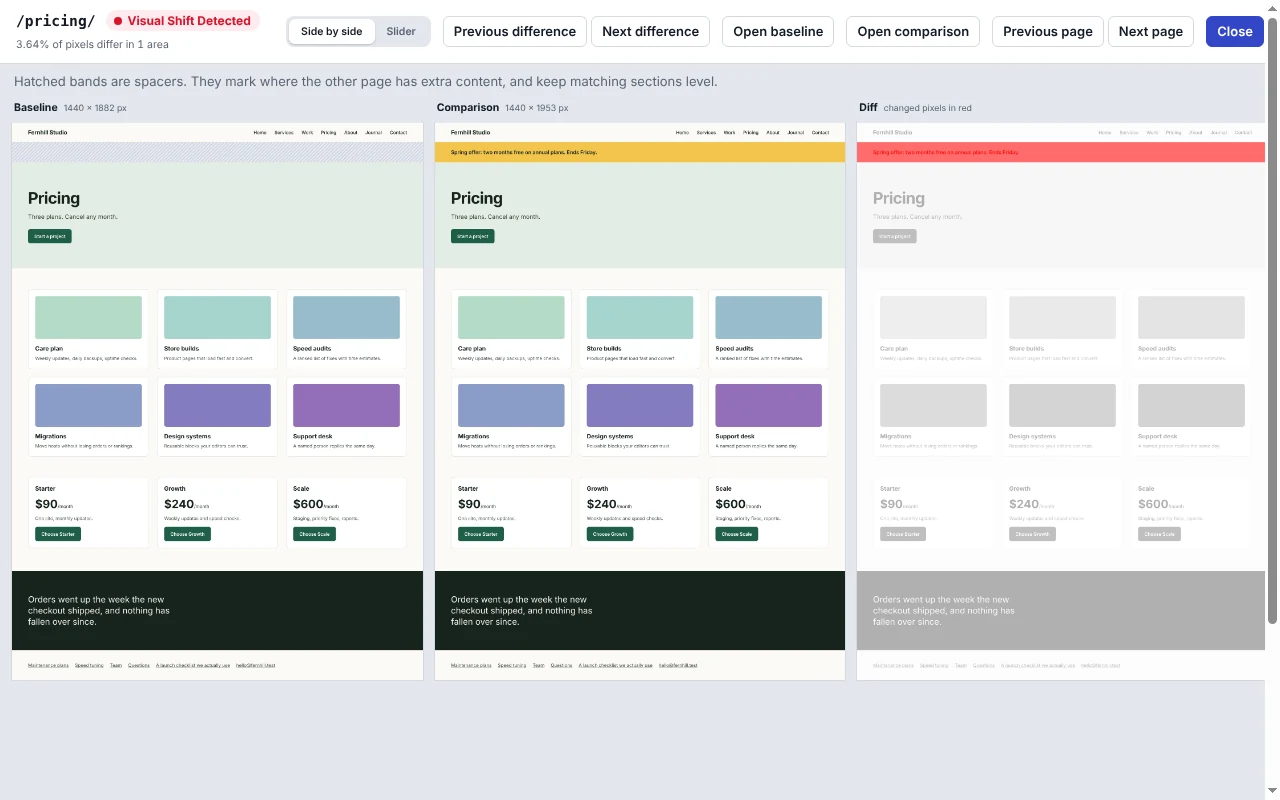
Compare two versions of a website — like production and staging — page by page. It takes full-page screenshots, flags the pages whose layout changed, and highlights the differences in red. Everything runs locally in your browser.
- Section-aware comparison — only the changed section is marked
- Full-page screenshots, stitched or first-screen only
- Side by side, drag slider, and diff image compare modes
- Hides popups, cookie banners, and chat widgets before capture
- Broken link check with report and CSV exports
Free
No account
Chrome 116+